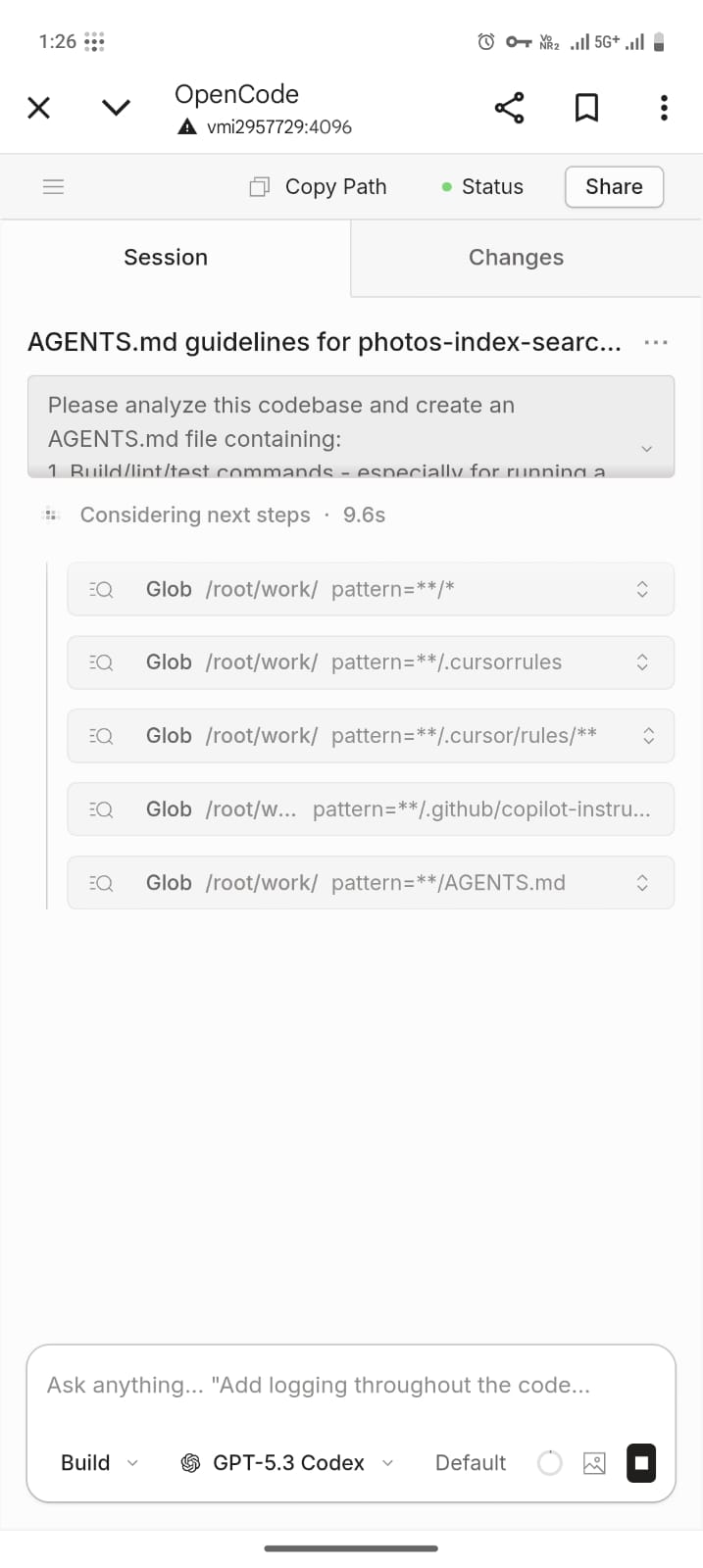
Run OpenCode From Any Device with Tailscale
tailscale
opencode
self-hosting
remote-access
TIL that I can run OpenCode on my server and access it from any of my devices (laptop/phone) securely via Tailscale.
This is useful because I can edit code, push changes, and add new changes while being on any device (not necessary on the server itself)
1) Install Tailscale
curl -fsSL https://tailscale.com/install.sh | sh2) Add devices to your Tailscale network
Install Tailscale on each device and link/sign in with the same account on the Tailscale website.
Only the devices connected to your Tailnet can access the OpenCode server.
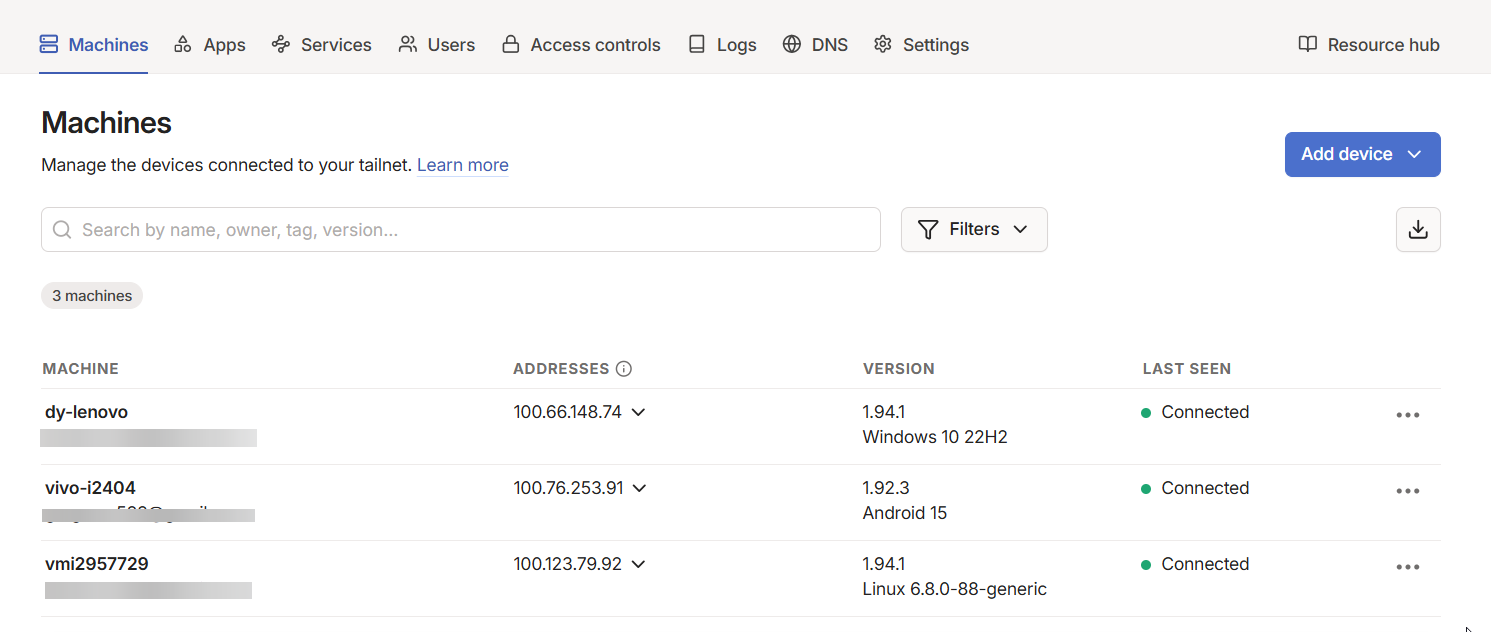
3) Run OpenCode on your always-on server
I run it in tmux, but you can also create a systemd service for reliability.
opencode serve --hostname 0.0.0.0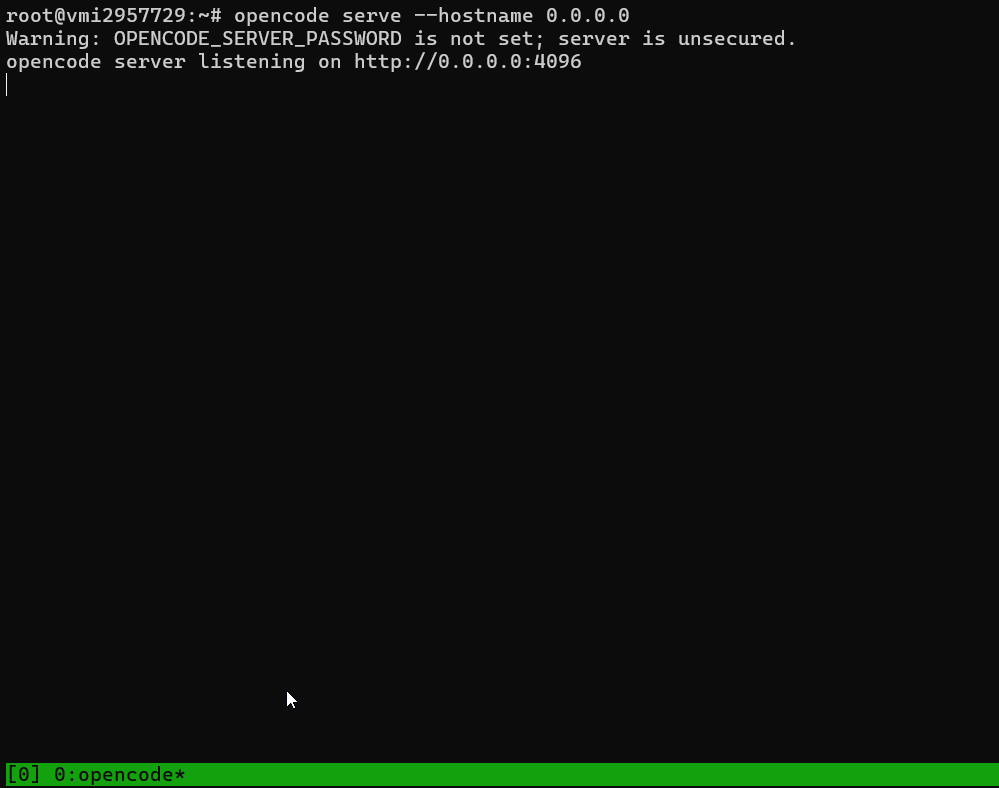
4) Access opencode on your phone
I can now access opencode by visiting the hostname:port of my server